

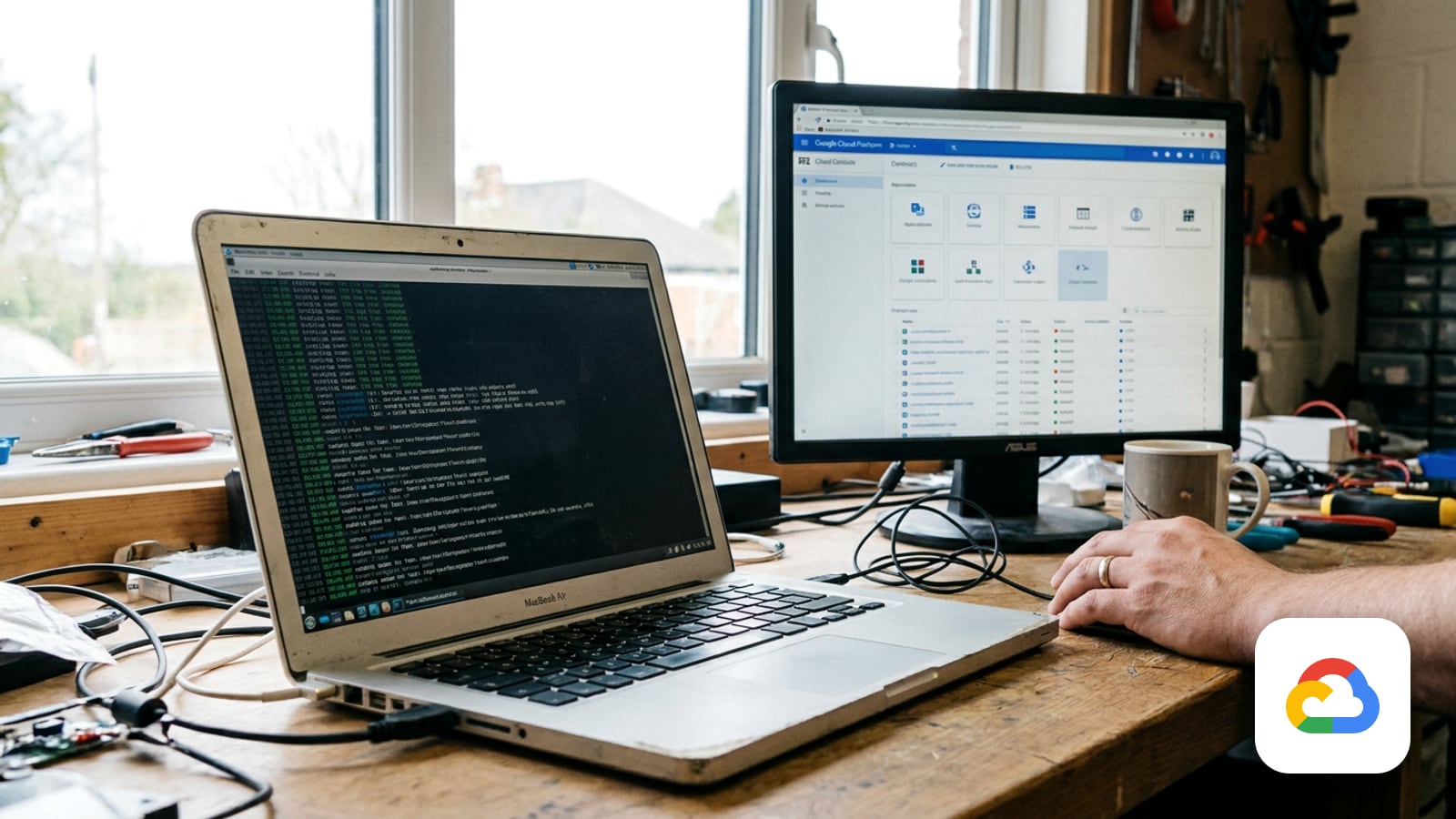
Most small businesses do not know which Linux version their server runs. They know the website is up, the invoicing app answers, and nobody has logged into that virtual machine since the person who built it moved on. That is the situation we walk into most often on Google Cloud: one or two Compute Engine VMs, created years ago from whatever image was current at the time, quietly doing their job at the back of the project.
At the end of August, a large number of those machines stopped receiving security updates. Nothing turned off, nothing sent an alert, and the website still loads. That is exactly what makes this one worth an afternoon of your attention.
What changed, and on what date
The Debian Long Term Support team announced on 31 August 2026 that Debian 11, codename bullseye, has reached end of life. The release arrived on 14 August 2021 and received three years of regular Debian support until 14 August 2024, then two more years under the LTS team. From September 2026 onward there are no further security updates for it from Debian. A subset of packages continues to be maintained commercially by an external party under Extended LTS, which is a bridge, not a destination.
Google Cloud published the matching signal a couple of weeks earlier. In the release note dated 19 August 2026, the Batch Debian 11 operating system image family was marked end of development, and the reason given is the end of support for Debian 11 on Compute Engine.
So the deadline is not a Google deadline or a vendor upsell. It is the upstream distribution deciding it has finished, and every cloud that ships Debian images following behind.
What end of support actually means for a running VM
This is where people either panic or ignore it, and both are wrong. Compute Engine's operating systems lifecycle documentation is specific about what happens when an OS version reaches end of support:
- The latest image in the image family is either deleted or marked deprecated, and you can no longer use the image family to create new VMs.
- You can still create a VM from a specific deprecated image, but only by referencing it directly with the
--imageflag through the gcloud CLI or the REST API, because image families do not point at deprecated images. - Existing VMs keep running and stay eligible for Google Cloud support past the end of support date.
- If a problem is traced back to the deprecated OS version, Google might not be able to resolve it, because the OS provider no longer supports it.
- You are responsible for acquiring updates, and those updates are subject to whatever the distribution, vendor or community still publishes.
Read that last point twice. Your VM does not break. Your patching pipeline does. Every future kernel or OpenSSL advisory that lands is one you cannot apply from the normal archive, and the gap widens every month you leave it.
Who this hits among small and mid-sized businesses
In our experience the affected machines are almost never the ones anybody thinks about. Say a 20-person distributor in San Salvador moved off shared hosting in 2022. What they have now, typically, is some combination of these:
- A single VM running the public website, often WordPress behind Nginx, built from the Debian image that was current that year.
- An application server for an internal system, reachable only inside the VPC, which nobody restarts because restarting it is scary.
- A small utility box: a jump host, a database proxy, or a cron machine that sends invoices and statements by email every night.
- Container base images built on bullseye, sitting in Artifact Registry and deployed to Cloud Run, which inherit the same expired package archive.
That cron machine deserves its own line. When a box that sends mail falls out of patching, the risk is not only compromise. An outdated mail stack is the kind of thing that ends with your domain sending on an old TLS configuration or, worse, relaying for somebody else, and then you are working a deliverability problem instead of a patching problem. If that is already happening, start with email deliverability and treat the OS as the root cause behind it.
What we check first on a client project
Before touching anything, we build the list. Guessing which VMs are on bullseye is how you miss the one that matters.
Compute Engine records the image a disk was created from. Start with the instance, which lists its attached disks:
gcloud compute instances describe VM_NAME --zone=ZONEThen ask the disk itself where it came from. For a VM built from a public OS image, this returns the source image; for one built from a disk image, the source disk:
gcloud compute disks describe DISK_NAME \
  --zone=ZONE \
  --format="get(SOURCE)"
The source image is the paper trail, not the truth. A VM created from a Debian 11 image may have been upgraded already, and a VM created from something else may have been dragged onto bullseye by hand. So we confirm on the machine itself by reading /etc/os-release, which is where the running system states its own version.
Then we write down what each machine actually does, because that is what decides the plan: which services run at boot, which cron jobs exist and what they touch, whether the application pins a system language runtime, and which third-party APT repositories are configured. That last one is the usual source of pain. A repository that only publishes a bullseye suite will stop the upgrade dead, and finding that out mid-upgrade is a bad evening.
The upgrade, in the order we run it
1. Take a snapshot of the boot disk, and prove you can restore it. Not a screenshot of the console, an actual snapshot:
gcloud compute disks snapshot DISK_NAME --snapshot-name=SNAPSHOT_NAMEThe rollback path is creating a disk from that snapshot, which is only possible at creation time:
gcloud compute disks create NEW_DISK_NAME --source-snapshot SNAPSHOT_NAME2. Decide between upgrading in place and rebuilding. For a machine that has been hand-edited for four years, building a fresh VM from a current image family and moving the application onto it is often faster and always cleaner, because you end up with a server you can rebuild again. We choose the in-place upgrade when the machine is well understood, provisioned from configuration, or too tangled to reproduce before the maintenance window closes.
3. If you upgrade in place, follow Debian's own release notes. Debian documents the upgrade one release at a time, and the chapter for bookworm covers upgrades from bullseye. The shape of it, in order: remove bullseye-backports and any third-party entries from your APT source lists, bring the system fully up to date on bullseye first, then point the source entries at bookworm.
sed -i 's/bullseye/bookworm/g' /etc/apt/sources.listDo not leave bullseye and bookworm entries side by side. Then run the upgrade in the documented sequence, which does the minimal step before the full one:
export LC_ALL=C
apt update
apt upgrade --without-new-pkgs
apt full-upgrade
If the upgrade stops with configuration errors, Debian's release notes give the escape hatch: run apt full-upgrade -o APT::Immediate-Configure=0 instead. Expect prompts about modified configuration files, and expect to answer them one at a time with the file open in another window. This is the part you do not automate on a machine you care about.
4. Reboot and verify like an outsider. Services up at boot, the site answering over HTTPS with a valid certificate, cron jobs running as their real user, log files still being written, and mail from the box still authenticating. Verify from outside the VPC, not from inside the machine you just changed.
5. Plan the next hop now, not in two years. Debian 12 bookworm is the current oldstable release and is where the LTS team is providing security support today; Debian 13 trixie is the current stable release. Landing on bookworm is a legitimate stop, and the calendar entry for the hop to trixie belongs in the same change, while the details are fresh.
Cost and risk notes
The direct cost of this work is small and mostly your time. The things worth knowing:
- Snapshots are billed as stored data for as long as you keep them. Keep them through the rollback window, then delete them on purpose rather than by accident.
- An in-place upgrade needs a real maintenance window. Plan for the application to be down, and tell whoever answers the phone.
- Staying on an unsupported image is not a billing problem, it is a support and security problem: the VM still runs and Google still supports the VM, but the operating system underneath it has no publisher.
- Commercial Extended LTS for bullseye covers a subset of packages only. It buys a quarter of breathing room for a machine that genuinely cannot move yet. It does not replace the upgrade.
- The failure mode we see most often is not the upgrade itself. It is a third-party APT repository or a pinned runtime version that nobody documented, discovered at eleven at night. The inventory step above is what prevents that.
How Guanacos Tech helps
We do this as a scoped piece of work: inventory every VM and container base image in the project, tell you honestly which ones need an upgrade and which need a rebuild, take the snapshots, run the change in a window you pick, and verify from outside. You get back a short document that says what each machine is, what it runs, and when it next needs attention, so the following release does not arrive as a surprise.
If you have a Compute Engine VM and you are not sure what it is running, that is the normal starting point, and finding out takes minutes. See what we do on Google Cloud, read how we work, or book a call and we will look at it with you.
Sources
- Debian LTS: Debian 11 Long Term Support reaches end-of-life (31 August 2026)
- Google Cloud release notes, 19 August 2026 (Batch Debian 11 image family, end of development)
- Compute Engine: Operating systems lifecycle
- Compute Engine: View the source image of a VM
- gcloud compute disks snapshot (Google Cloud SDK reference)
- Debian 12 release notes, chapter 4: Upgrades from Debian 11 (bullseye)