


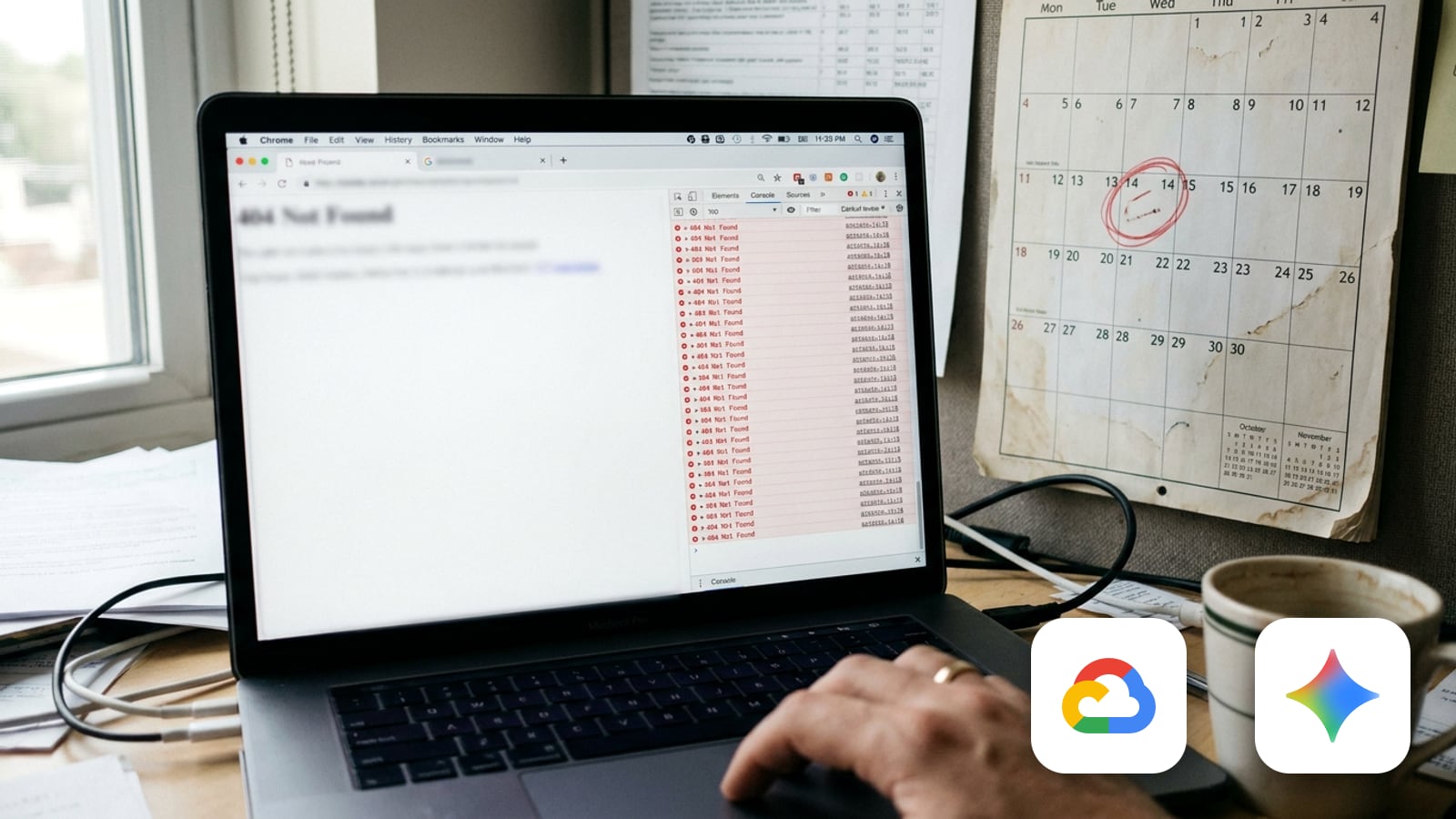
Picture a small accounting firm calling in late October because the quoting assistant on its website has stopped answering. Nothing was deployed that week. Nobody touched the code. The logs show the same request going out and a 404 coming back, over and over, from a model that answered fine the previous Friday.
That is what an AI model retirement looks like from inside a small business. There is no status page, no red banner, no outage anyone else is tweeting about. A feature simply stops working, and the person who built it left months ago.
There is one of these on the calendar right now, and it is close.
What changed, and the date that matters
On 14 September 2026, Google published updated retirement and deprecation dates for a group of Gemini models in the Google Cloud release notes. The entry that affects the most working software: Gemini 2.5 Pro, Gemini 2.5 Flash and Gemini 2.5 Flash-Lite carry a retirement date of 16 October 2026, as listed in Google's model lifecycle documentation, checked on 18 September 2026.
Two details in that lifecycle documentation matter more than the headline date, and they are the ones people miss.
The first: a retirement date is the last day the model is available. After it, Google's documentation states the model is permanently deactivated and no longer accessible or supported, and API requests that reference a retired model ID typically return a 404 error. Not a warning, not a slower fallback. A 404, which most code written in a hurry treats as a generic failure.
The second detail is the one that catches people out. Google's model versions and lifecycle page states that one month before the retirement date, new access to the model is blocked for online inference, batch inference and tuning. For a 16 October retirement, that window closed around the middle of September. If a project has never called Gemini 2.5 before, it may already be unable to start, which makes "we will test it on the old model first and migrate later" a plan that no longer works.
Who this actually affects
Not everyone who uses Gemini needs to do anything. The distinction is whether a model name is written down somewhere in your systems.
If your team uses Gemini inside Google Workspace, in the side panel in Gmail or Docs, you are not choosing a model version and you do not have a migration to run. Google manages what is behind that experience.
You are exposed if a model ID such as gemini-2.5-flash appears anywhere your business depends on. In a company of ten to sixty people, it usually lives in one of a handful of places:
- An Apps Script bound to a spreadsheet that classifies incoming leads or drafts replies.
- A website chat widget or quote form, usually a Cloud Function or a small backend service.
- An automation platform step, where the model name sits in a dropdown or a JSON field inside a workflow nobody has opened in a year.
- A mobile or web app built on Firebase.
- A reporting or summarising script running on a schedule, whose output somebody pastes into a client deck every month.
- A prototype that quietly became production because it worked.
The last one causes the most damage, because it is the one with no owner, no tests and no error handling.
What we check on a client project first
When a client asks us to handle one of these deadlines, we do not start by changing model names. We start by finding all of them.
1. Inventory every call site. Search the whole estate, not just the main repository, for the model family rather than one exact string. Version suffixes vary, so the loose match is the point:
grep -rn "gemini-2\.5" . --include="*.js" --include="*.ts" --include="*.py" --include="*.gs" --include="*.json" --include="*.yaml" --include="*.env*"Then repeat that by hand in the places grep cannot reach: Apps Script projects attached to spreadsheets and forms, automation platform workflows, environment variables set in a console rather than in a file, and any configuration a previous contractor set up.
2. Separate pinned versions from aliases. Google publishes stable model versions alongside auto-updated aliases. Code that pins an exact version is predictable and will break on a known date. Code that follows an alias moves on its own, which is convenient until a model generation changes behaviour under a prompt that was tuned for the old one. Both need review. They need different reviews.
3. Test whether access is already blocked. Because of the one-month rule above, we check early whether the project can still reach the old model at all. It changes the plan. If it cannot, there is no gradual cutover to design, only a migration.
4. Trace what consumes the output. A model call that fails is one problem. A model call whose answer is written to a database, emailed to a customer, or used to decide which queue a ticket lands in is a much bigger one. We follow the output to its last stop before deciding how careful to be.
5. Read the error handling. This is where we find the real risk. Plenty of small integrations wrap the API call in a try block that swallows the exception and returns an empty string. On retirement day that code does not crash. It keeps running, and it quietly sends blank or truncated content to real customers, which nobody notices for a week.
The migration, in the order we do it
Read the current model list for your own project. Not a blog post, including this one. Dates and availability differ by region and by surface, and Google's own model pages are the only place they are authoritative for your account.
Choose a generally available model, not a preview. Preview models carry their own, often shorter, lifecycle and are not a place to land production work that you do not want to move again in six months. If the only replacement that fits your use case is in preview, that is worth knowing before you plan the work, not after.
Move the model ID into configuration. If the string is hard-coded, the first change is to pull it into an environment variable or a single constant. That is the fix that makes this deadline the last painful one, because the next retirement becomes a config change and a test run.
Re-test the prompts, do not just swap the name. A newer model generation is not a drop-in replacement. Output length, tone, formatting and how strictly it follows instructions all shift, and parameter names sometimes change between generations, so check Google's migration guidance for the pair you are moving between. If your prompt asks for JSON, test that it still returns parseable JSON. Run the twenty most common real inputs and read the answers side by side.
Fix the error handling while you are in there. Any call that can fail should fail loudly: log the model ID, log the status code, and alert a human. Ten minutes of work here converts every future deprecation from a mystery into a notification.
Ship, then watch. Deploy before the deadline, not on it, and keep the old value in configuration until you have seen a full week of normal traffic on the new model.
Cost and risk notes
Three things worth setting expectations on.
Pricing is per model, so verify it. Rates differ between model families and tiers, and a newer or larger model is not automatically the cheaper or the more expensive option. Check the current rate for the specific model you are moving to against your real monthly volume before you commit, rather than assuming the swap is cost neutral.
These dates move, in both directions. They are not always brought forward. In the same set of September 2026 updates, Gemini 2.5 Flash Image was given a retirement date of 15 March 2027, extended from 2 October 2026, and Gemini 3.1 Flash-Lite Image was listed with a retirement date scheduled for 28 June 2027 or later. An extension is a gift, not a plan. The correct response to a moved date is to keep the migration scheduled and enjoy the extra room.
The real risk is inventory, not engineering. Changing a model name is a small task. Being certain you found every place it appears is the whole job, and the first search through a codebase is rarely the one that finds everything.
How Guanacos Tech helps
We do this as a short, contained piece of work: inventory every place a Gemini model is called across your code, scripts, automations and consoles, tell you which ones break on 16 October and which ones are fine, migrate the ones that matter, and leave the model ID in configuration with error handling that speaks up next time. We are an independent consultancy with Google-certified engineers, and we work in English and Spanish across North America and Latin America.
If you are not sure whether anything in your business calls Gemini 2.5, that uncertainty is the answer, and it is worth an hour before October. You can see what we do on Google Cloud, or book a call and we will go through it with you.