

Is it spam or is it a bounce?
Before looking for a culprit, separate two problems people constantly mix up. A bounce is when the message never gets delivered: the receiving server rejects it and you get an error back, usually with a code like 550. Landing in spam is different: the message is delivered, but the recipient's filter routes it to the junk folder instead of the inbox, and nothing tells you that happened.
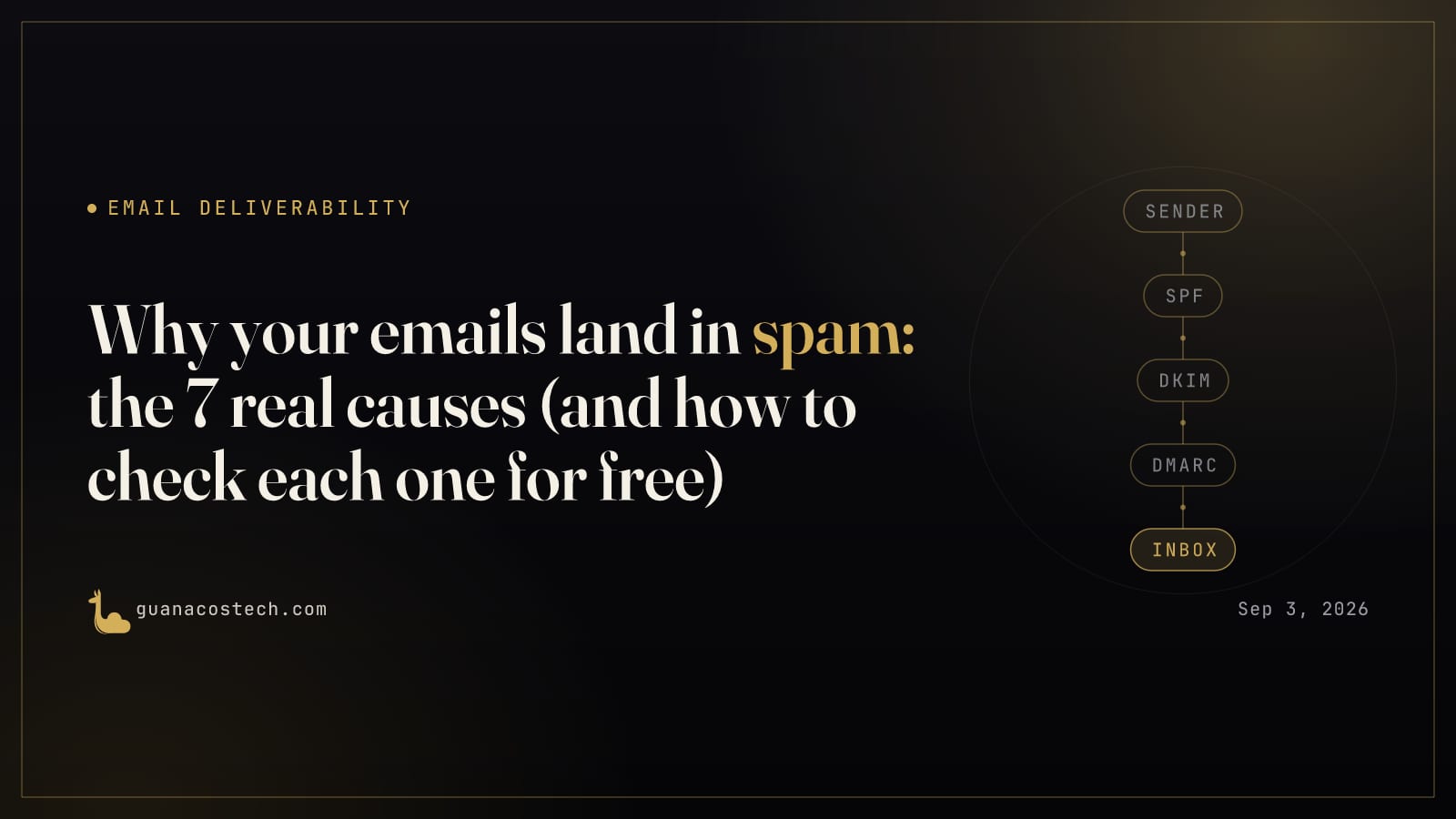
The difference matters because the diagnosis is different. A bounce is almost always an authentication problem or a direct block, and you find out because the error comes back to you. Landing in spam is a trust problem built up over time, the receiver decided that this particular message, or this sender in general, looks more like unwanted mail than legitimate mail, and that is where the seven real causes below come in. Almost all of them can be confirmed for free in under ten minutes.
Cause 1: SPF missing or broken
SPF is the DNS record that tells the world which servers are allowed to send mail on behalf of your domain. Google requires every sender to have SPF or DKIM set up correctly, and if you send 5,000 or more messages a day to personal Gmail accounts, it requires both. Without SPF, or with an SPF record that does not include the service actually sending the mail (your hosting provider, your CRM, your invoicing system), the message arrives unauthenticated, and Gmail can reject it outright with a 550-5.7.26 error or simply route it to spam.
A common mistake is accidentally publishing two separate SPF records, which breaks validation completely since the standard only allows one per domain. Check this by pulling your domain's TXT record and confirming there is exactly one v=spf1 entry that includes every real sender you use.
Cause 2: DKIM never signed
DKIM adds a cryptographic signature to every outgoing message, and the receiver verifies it against a public key published in your DNS. On Google Workspace, DKIM is off by default per domain until you manually turn it on in the Admin Console and publish the key, so if you never configured it, your mail goes out unsigned even if everything else is correct. Google recommends 2048-bit keys, stronger than 1024-bit, which you should only use if your DNS provider does not support the longer length.
The same pattern repeats on Zoho Mail and cPanel: DKIM does not turn itself on, you have to generate it and publish the matching TXT record under a specific selector, something like google._domainkey or zoho._domainkey. Check this by sending a test message to a Gmail address you control, opening it, and reading the Authentication-Results header under "Show original." It needs to say dkim=pass.
Cause 3: DMARC without alignment
DMARC does not replace SPF or DKIM, it connects them to the domain the recipient actually sees in the From field. Per RFC 7489, for DMARC to pass, the domain that authenticates SPF or the domain that signs DKIM has to match, or align with, the organizational domain shown in the visible From header. You can have SPF and DKIM both passing perfectly and still fail DMARC if, for example, your invoicing system signs with DKIM using its own domain instead of yours.
Without a published DMARC record, there is not even a rule telling the receiver what to do with mail that fails to align, so many providers treat it with more suspicion by default. Publishing DMARC at p=none does not block anything, but it starts sending you reports that show exactly which senders are failing alignment, information you simply do not have without it.
Cause 4: domain or IP reputation
Even with SPF, DKIM, and DMARC all correct, your domain's or IP's sending history can be damaged. Google Postmaster Tools rates this High, Medium, Low, or Bad: High means "a history of very low spam rates," Bad means mail is "almost always marked as spam or rejected." The spam rate Google watches is the percentage of your messages people manually mark as spam after receiving them, and the official guidance is to stay under 0.10% and never reach 0.30%.
If you use shared hosting, a basic Microsoft 365 setup, or any platform where you share an IP with other tenants, your reputation can drop because of another sender on that same IP. Google states this directly: "the activity of any senders using a shared IP address affects the reputation of all senders" on it. Check this by signing up for Google Postmaster Tools, which populates these dashboards once you have enough authenticated volume flowing to Gmail.
Cause 5: content and list quality
Beyond authentication, spam filters also evaluate what you are sending and to whom. Old lists nobody opens anymore are the most common problem: people who no longer recognize the sender are the ones most likely to hit "report spam" instead of simply ignoring the message or unsubscribing, which pushes your spam rate up over time. Content matters too: exaggerated subject lines, shortened links, image-only messages with no text, or blasting the identical message to thousands of people at once are signals modern filters already recognize.
Check this by looking at open rates by segment. If a large group of contacts has not opened anything in 90 to 180 days, pull them off active sending before they drag the rest down.
Cause 6: unauthorized third-party senders
This is the cause that slips through most often because it is not in your inbox, it is in third-party tools sending mail "as you" that nobody ever reviewed: the invoicing platform, the CRM, the online store, the billing system. If that service sends using your domain in the From field but is not in your SPF record and does not sign with an aligned DKIM, every message it sends counts against your overall reputation, even though you never clicked send yourself.
Check this by listing everything that sends mail using your domain, not just what runs through your Gmail or Workspace inbox, and confirming each one is authorized in SPF and signs with its own DKIM.
Cause 7: new domain
A freshly registered domain, or one that has never sent real volume to Gmail, does not have a bad reputation, it has zero reputation. Postmaster Tools may simply show no data yet. The problem is that sending a large batch all at once from a domain like that looks nearly identical to an attacker spinning up a throwaway domain to send spam, and filters treat it with the same suspicion.
Check this by being patient: start with low volume to contacts who will actually open and reply, increase slowly, and let the domain build history before relying on it for something urgent like a big campaign or a full migration.
Check it now, for free
The first six causes can be confirmed without spending anything: check your SPF and DKIM with the Guanacos Tech email troubleshooter, read a real header with the header analyzer, and if you already have DMARC published, check the reports with the DMARC analyzer. Between the three, you get visibility into almost everything covered above in a single session.
How Guanacos Tech helps
Most cases we review do not have one single cause, they have two or three stacked together: a DKIM key that never got turned on, an invoicing platform nobody authorized in SPF, and a list that stopped being cleaned a year ago. We run the full diagnosis, fix the DNS in the right order, and stay on it until reputation stabilizes. If you want a second set of eyes, book a free call.
Sources
- Set up DKIM to prevent spoofing - Google Workspace Admin Help
- RFC 7489 - Domain-based Message Authentication, Reporting, and Conformance (DMARC)
- Email sender guidelines - Google Workspace Admin Help
- Postmaster Tools dashboards - Gmail Help
- Prevent mail to Gmail users from being blocked or sent to spam