5mailboxes
Two to three working days
Often a founder, a few staff and a shared inbox. Cutover on an evening, everyone signed in the next morning.
 Guanacos Tech
ES
Book a Consultation
Guanacos Tech
ES
Book a Consultation
Google Workspace migration service
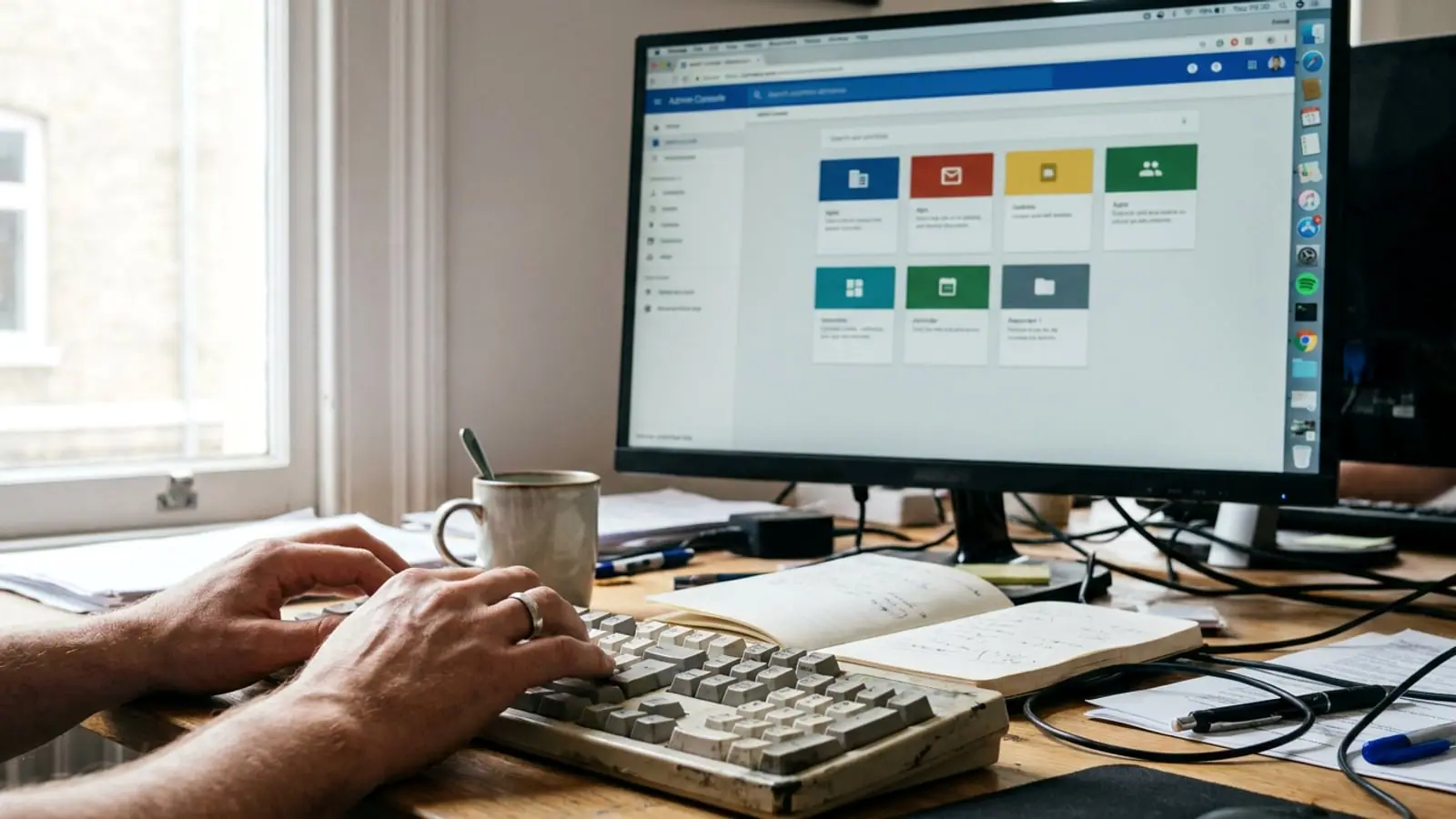
From Microsoft 365, Exchange, IMAP, cPanel or Zoho. We move mail, calendars, contacts and files while your team keeps working, switch the MX in a window you choose, and close only when the counts match on both sides.
Coming from somewhere else, or going the other way? See all migration routes.



 From Microsoft 365

 To Google Workspace
What gets migrated
Every source keeps some things and drops others. We tell you the losses before we start, not after, so nobody discovers a missing rule on Monday morning.
| From | Calendar and contacts | Files | Known losses | |
|---|---|---|---|---|
| Microsoft 365, Exchange Online | Full history, folders become labels, shared mailboxes mapped to a group become Collaborative Inboxes | Calendars with recurring events, contacts and Microsoft To Do tasks; distribution lists become Google Groups; Teams channels become Google Chat spaces | OneDrive to My Drive, SharePoint site collections to shared drives, sharing permissions mapped | Outlook rules and calendar permissions need the advanced method; previous file versions, OneDrive Personal Vault and SharePoint lists are not imported; Teams attachments, reactions and bot messages stay behind. Named in the plan. |
| Exchange on-premises | Full history with GWMME, Google's Windows migration tool for Exchange; Google Workspace Migrate above 1,000 users | Calendars and contacts; resource mailboxes rebuilt as Calendar resources | File server to Drive, in stages if the volume is large | Mailbox rules, server transport rules, which we rebuild by hand where they still matter |
| IMAP, cPanel, shared hosting | Full history over IMAP, folder tree preserved as labels | Usually only what lived in a local client, exported and imported per user | Not applicable, or an FTP or SFTP pull into Drive | Webmail filters and autoresponders, which we recreate in Gmail |
| Zoho Mail | Full history over IMAP, labels preserved | Calendars and contacts exported and imported per user | Zoho WorkDrive to Drive | Zoho-specific filters and signatures, recreated in Gmail |
| Google Workspace to Google Workspace | Full history, labels intact, for a merger, a split or a domain change | Calendars, contacts, groups and resources | Drive and shared drives with ownership transferred | Third-party app authorizations, re-granted by each user |
For Microsoft 365 we use Google's data import tool, which runs from the Admin console, or its advanced method for larger or more demanding tenants. Google Workspace Migrate for Exchange Online, SharePoint Online and OneDrive is retired at the end of 2026, so we do not start new projects on it. On-premises Exchange goes through GWMME, since Google's legacy service stopped taking new on-premises migrations after 31 May 2025. The tool is chosen after discovery, not before.

The order matters more than the tool. Most failed migrations we are called to rescue did the steps below in a different sequence.
Every mailbox, alias, group, shared mailbox, calendar resource and integration that sends mail, with the sizes. The losses table above becomes your specific list.
Users, aliases and groups created in Workspace and 2-step verification decided before any data moves, so nobody signs in for the first time on cutover day.
The Workspace DKIM key and SPF include are published while the old sender stays authorized. Receivers already trust the new platform before it sends its first message.
Historical mail, calendars and files copy in the background over days, while people keep working in the old system. Nothing changes for them yet.
MX TTL goes down days ahead. In the window you choose we point MX at Google with dual delivery on, so a message that lands on either side still reaches its mailbox.
Whatever arrived at the old host in the last hours is synced. Then we compare message and file counts per mailbox on both sides and hand you the sheet.
DMARC moved forward once the reports show only Google sending as your domain, the old system kept read-only for a set period, and a one-page runbook for the next admin.
Timeline and pricing
Typical calendar time from kickoff to reconciled hand-off. Seeding runs in the background, so the disruption to your team is the cutover window plus a short sign-in session.
Two to three working days
Often a founder, a few staff and a shared inbox. Cutover on an evening, everyone signed in the next morning.
About one week
Groups, shared mailboxes and a file share come into play. One seeding pass, one weekend or evening cutover, one day of follow-up.
Two to three weeks
Seeded in waves by department, with a pilot group first. The MX change still happens once, in one window.
How we scope, quote and invoice is explained on how we work.
A migration is judged by the month after it. These are the things we leave in place so the new platform is safer than the old one, not just newer.

Reverse migrations
Sometimes the business gets acquired, the parent company standardizes on Microsoft 365, or a compliance requirement points the other way. We run those too, and we do not argue with the decision.
Questions we get before every migration
No. Mail keeps arriving at the old system until MX points at Google, dual delivery covers the switch, and a delta sync picks up the last hours. We reconcile counts per mailbox before we close.
Sign in once, set up 2-step verification, and attend a short session. Their mail, folders and calendar are already there when they do.
We keep it read-only for a period you choose, usually a month, then help you cancel it. Nothing is deleted on the source during the migration.
Yes, by department or office, with mail routing between the two platforms in the meantime. It costs a little more coordination and buys a lot of calm.
It is part of every migration. The new platform goes live with SPF, DKIM and DMARC aligned, and we watch the reports for the following weeks. Our email deliverability service continues from there if you want it.
No. Guanacos Tech is an independent consultancy with Google-certified engineers. You buy the licences, we do the work, and we answer to you.
Thirty minutes, free. Bring the mailbox count and the current provider and you leave with a timeline, the known losses and a fixed price.